
Quick Answer
AI content writing tools use artificial intelligence, such as GPT or large language models, to help users quickly generate, edit, and optimize written content. They save time and improve content quality by assisting with writing tasks and integrating with platforms like WordPress.
If you’ve ever stared at a blinking cursor while your to-do list keeps growing, you know how draining content creation can be. Whether you’re balancing blog posts, client deadlines, SEO checklists, or simply want your WordPress site to grow faster, there’s never enough time or energy to do every task well.
Chasing inspiration and wrestling with edits can burn out even the most experienced bloggers and marketers. But the landscape has changed—AI content writing tools are now reshaping how writers, content teams, and WordPress users tackle the daily grind. In this guide, we’ll break down what these tools really do, how they work behind the scenes, and how you can use them (yes, even directly inside WordPress) to finally beat the bottlenecks, boost content quality, and stay far ahead of the curve.
Why AI Content Writing Tools Matter for Bloggers, Marketers, and WordPress Users
AI content writing tools are game changers for anyone who creates content regularly. They cut through writer’s block and routine editing by transforming simple prompts into full drafts or polished copy in minutes. Bloggers can brainstorm and draft posts faster, freeing up time for strategy and promotion. Content marketers scale campaigns without losing consistency or SEO focus. WordPress site owners benefit from automated publishing, built-in optimization, and support for multi-language content.
- Faster blog production without sacrificing quality
- More consistent brand voice
- Streamlined SEO optimization directly during drafting
- Ability to test and expand into new content types or languages
- Reduced manual work for routine tasks like meta descriptions and internal linking
Choosing the right AI writing tool—especially one that fits your CMS—creates a distinct edge. It’s no longer about working harder, but working smarter and more creatively.
Best AI Content Writing Tools for Faster, Smarter Content Creation
AI content writing tools are no longer just basic text generators. Today, they help writers research keywords, build outlines, improve SEO, match brand voice, generate visuals, repurpose content, and publish faster. Whether you are a blogger, agency, marketer, freelancer, or WordPress site owner, the right tool can reduce manual workload and help you create more consistent, search-friendly content.
Below are some of the best AI content writing tools worth considering.
1. WriteRush
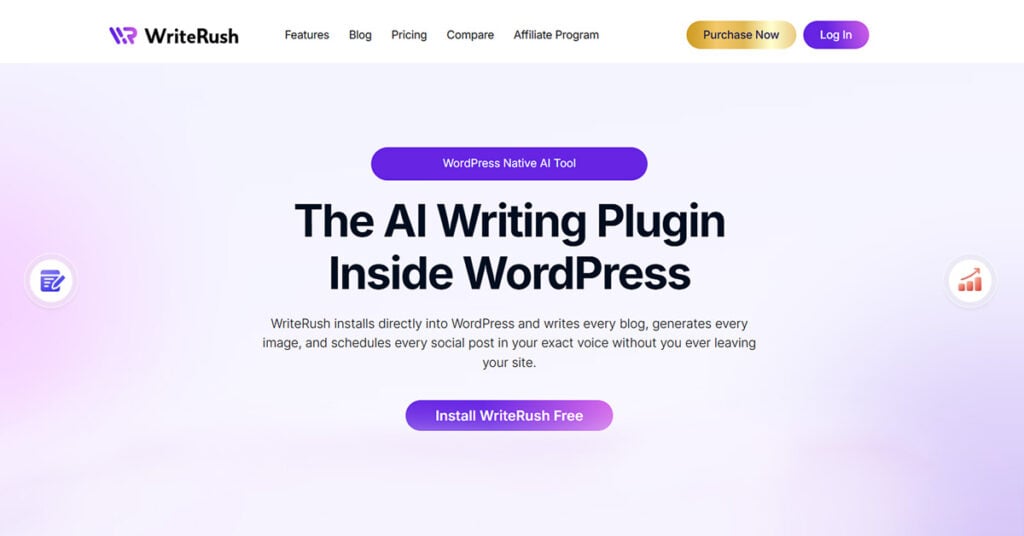
WriteRush is one of the best AI content writing tools for WordPress users who want to create, optimize, and publish content without moving between multiple platforms. Instead of using one tool for keyword research, another for writing, another for SEO optimization, and another for publishing, WriteRush brings the entire content workflow directly inside the WordPress dashboard.
What makes WriteRush especially useful is its guided blog creation process. Users can start with a keyword, define the intent, choose the writing voice, generate a SERP-based outline, create a full blog draft, check the SEO score, generate relevant images, and prepare the content for publishing. This makes it a strong option for content creators who want a structured workflow instead of a blank-page writing experience.
WriteRush is also designed to help content sound more natural and brand-specific. It can adapt to your existing writing style, making it easier to maintain a consistent voice across blog posts, landing pages, and social content. For agencies, bloggers, startup teams, and WordPress businesses, this is useful because content can be produced faster while still staying aligned with brand tone and SEO goals.
Another major benefit is convenience. Since WriteRush works inside WordPress, users do not need to copy content from an external AI tool, paste it into WordPress, reformat it, upload images manually, and then optimize it separately. Everything happens in one place, which saves time and reduces friction in the publishing process.
Best for: WordPress bloggers, SEO writers, agencies, freelancers, content marketers, and businesses that want an all-in-one AI writing workflow inside WordPress.
Key features:
- Keyword research support
- SERP-based outline generation
- Guided long-form blog workflow
- One-click blog generation
- Brand voice adaptation
- Live SEO scoring
- AI image generation
- Social content creation
- WordPress publishing workflow
2. Jasper
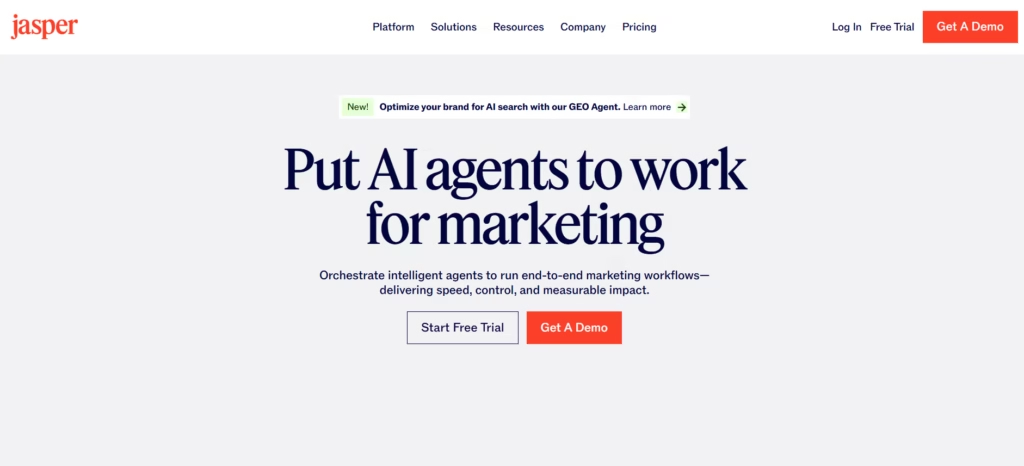
Jasper is a popular AI writing platform built mainly for marketing teams, agencies, and businesses that need branded content at scale. It is useful for creating blog posts, ad copy, email campaigns, social media captions, landing page content, and product descriptions.
One of Jasper’s biggest strengths is its focus on marketing use cases. It offers templates and brand voice features that help teams keep content consistent across different channels. For businesses that publish regularly and need a tool for multiple content formats, Jasper can be a strong choice.
However, Jasper may feel more suitable for teams that already have a defined content workflow. Users may still need separate tools for WordPress publishing, SEO optimization, image handling, or content management depending on their process.
Best for: Marketing teams, agencies, and businesses creating multi-channel marketing content.
Key features:
- Marketing copy generation
- Blog and long-form content support
- Brand voice tools
- Campaign-focused content creation
- Templates for ads, emails, and social posts
- Team collaboration features
3. Copy.ai
Copy.ai is another well-known AI writing tool that focuses on fast content generation for sales, marketing, and business communication. It is especially helpful for creating short-form content such as product descriptions, email copy, social posts, headlines, and sales messages.
The platform is simple to use and can help teams move quickly from idea to draft. For users who need quick copy variations, Copy.ai can be a practical option. It is also useful for brainstorming angles, rewriting existing text, and generating campaign ideas.
For long-form SEO content, users may need to spend more time editing, expanding, fact-checking, and optimizing the output. It works well as a copy assistant, but it may not fully replace a dedicated SEO writing workflow.
Best for: Sales teams, marketers, ecommerce brands, and users who need quick copy variations.
Key features:
- Short-form copy generation
- Email and sales content
- Product descriptions
- Social media captions
- Blog idea generation
- Rewrite and brainstorming tools
4. Writesonic

Writesonic is an AI writing tool that supports blog writing, marketing copy, landing pages, social content, and SEO-focused content creation. It is designed for creators and marketers who want to produce content quickly across different formats.
One of Writesonic’s strengths is flexibility. It can be used for blog articles, ads, website copy, ecommerce descriptions, and more. This makes it helpful for users who need a general-purpose AI writing assistant rather than a tool focused on only one content type.
For bloggers and SEO teams, Writesonic can speed up drafting and idea generation. However, as with most AI writing tools, the content still needs human editing to improve accuracy, depth, originality, and brand fit.
Best for: Bloggers, marketers, ecommerce teams, and creators who need flexible AI writing support.
Key features:
- Blog writing tools
- Website and landing page copy
- Ad copy generation
- Social media content
- Product descriptions
- SEO content assistance
5. Grammarly
Grammarly is best known as a grammar, spelling, and writing improvement tool, but it has expanded into AI-powered writing assistance. It is helpful for polishing content, improving clarity, rewriting sentences, adjusting tone, and correcting grammar mistakes.
Unlike tools that focus mainly on generating full blog posts, Grammarly is strongest during the editing and refinement stage. It helps writers make content cleaner, easier to read, and more professional. This makes it useful for students, professionals, marketers, bloggers, and business teams.
Grammarly is not always the best choice for building full SEO content workflows from keyword to published article, but it is excellent for improving writing quality after a draft is created.
Best for: Writers, students, professionals, marketers, and teams that want cleaner, more polished content.
Key features:
- Grammar and spelling correction
- Tone adjustment
- Clarity improvement
- AI rewriting suggestions
- Sentence refinement
- Browser and document integrations
6. Rytr
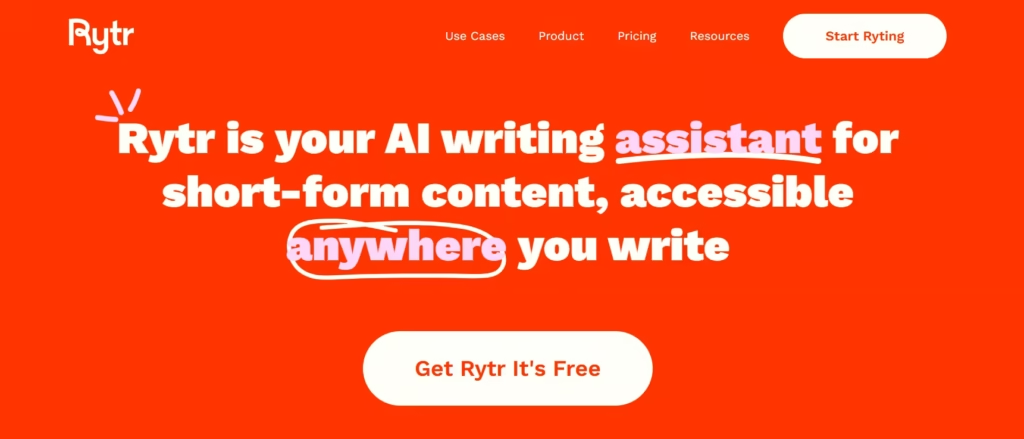
Rytr is a simple and affordable AI writing tool for users who need quick content generation without a complex workflow. It can help create blog ideas, outlines, product descriptions, emails, captions, and short-form marketing copy.
Rytr is especially useful for beginners, freelancers, and small businesses that want a lightweight AI writing assistant. The interface is easy to understand, and users can generate content quickly without needing advanced setup.
However, Rytr may not be the best fit for teams that need advanced SEO workflows, deep content research, or large-scale brand content operations. It works best as a fast writing helper for everyday content tasks.
Best for: Beginners, freelancers, small businesses, and creators looking for a simple AI writing tool.
Key features:
- Blog ideas and outlines
- Short-form copywriting
- Email writing
- Product descriptions
- Social captions
- Tone selection
7. Surfer AI
Surfer AI is built for users who care deeply about SEO content optimization. It combines AI writing with SEO recommendations, helping users create content that aligns with search intent and competitive SERP data.
Surfer is especially useful for content teams that already have an SEO strategy and want to create optimized articles based on ranking factors. It can help identify content structure, related terms, headings, and optimization opportunities.
The main strength of Surfer AI is SEO-focused content planning and optimization. However, users may still need other tools for publishing, image generation, social distribution, or broader content workflows.
Best for: SEO professionals, agencies, and content teams focused on ranking content.
Key features:
- SEO content optimization
- SERP-based recommendations
- Content scoring
- Keyword and topic suggestions
- AI article generation
- Competitive content analysis
Which AI Content Writing Tool Should You Choose?
The best AI content writing tool depends on your workflow, goals, and publishing platform. If you mainly want polished grammar and cleaner writing, Grammarly is a strong choice. If you need quick marketing copy, Copy.ai or Rytr can be useful. If your team needs campaign content at scale, Jasper is worth considering. If your main priority is SEO optimization, Surfer AI can help.
But if you use WordPress and want a complete content workflow from keyword research to blog creation, SEO scoring, image generation, and publishing, WriteRush stands out as the most practical option. It removes the need to jump between multiple platforms and helps you create content directly where your website already lives.
For bloggers, marketers, agencies, and WordPress businesses, WriteRush offers a faster and more streamlined way to turn ideas into publish-ready content.
How to Implement AI Content Writing Tools in Your Workflow
Adopting AI content writing tools can feel overwhelming, but a structured approach makes integration seamless and productive. Here’s how to get started and optimize your content creation pipeline:
Assess Your Needs:
First, clarify your top goals. Do you need to generate SEO blog posts faster? Create multilingual content? Automate repetitive writing or publishing steps? Pinpointing this focus will guide your tool choices.
Choose the Right Tool Type:
- Standalone SaaS platforms (like Jasper or Copy.ai) offer flexible web access and broad features.
- WordPress plugins provide in-dashboard content creation and easy integration.
- Prioritize tools that offer grammar checking, SEO support, and maintain your brand tone.
Integrate with Your Platform:
- For WordPress, install an AI writing plugin, such as WriteRush. This allows you to run drafting, editing, and optimization without switching tabs.
- For non-WordPress workflows, APIs and browser extensions connect AI writing tools to editors like Google Docs.
Optimize and Review:
- Use AI-generated drafts as a starting point, then refine them for accuracy, personality, and fit.
- Leverage built-in SEO tools or connect with dedicated optimizers (Surfer, GrowthBar) for keyword integration and ranking improvements.
Automate for Consistency:
- Save time with templates, scheduling, and automated workflows. AI tools can help you maintain a steady publishing rhythm with less manual oversight.
Example: WordPress AI Content Creation Workflow
- Draft your article using a plugin like WriteRush directly inside WordPress.
- Optimize on-page SEO fields, add internal links, and review using built-in AI suggestions.
- Humanize the content as needed, then publish with a single click—all within the dashboard.
By thoughtfully integrating AI into your process, you not only publish faster but can focus more on what really matters: relevance, quality, and reaching your audience with impact.
WordPress AI Writing Plugins: Streamlining Content Creation with WriteRush
For WordPress bloggers and publishers, AI writing plugins bring powerful automation right into your core workspace. With a plugin like WriteRush, you can draft posts, generate optimized meta descriptions, and even build out internal links—all without leaving your dashboard. This drastically cuts down the time spent shifting between tools and ensures every article is SEO-ready and on brand from the start.
Why choose a plugin over a SaaS tool?
- Seamless in-dashboard drafting and editing
- Direct publishing—no copying and pasting
- Consistent workflows across your content team
Below is a quick comparison of popular WordPress AI writing solutions:
| Feature | WriteRush | Jasper (with WP integration) | Rytr WP Plugin |
|---|---|---|---|
| Native WP Integration | Yes | Partial (requires connection) | Yes |
| Real-time SEO Optimizer | Yes | No | No |
| Internal Link Builder | Yes | No | No |
| Meta Description AI | Yes | Yes | Yes |
| Multilingual Support | Yes | Yes | Yes |
| Free Plan Available | Yes | No (trial only) | Yes |
| Workflow Automation | High | Medium | Basic |
Illustration suggestion: Screenshot of WriteRush’s content generation window inside WordPress.
With plugins like WriteRush, even a solo blogger can manage a high-volume publishing schedule while upholding quality and voice. For teams and agencies, this means less back-and-forth, smoother editorial workflows, and faster website growth.
Common Pitfalls When Using AI Content Writing Tools
Even the best AI content writing tools have limits, and careless use can undermine your results. Here are the biggest risks we see in the field:
- Skipping human review: AI can produce off-brand or inaccurate text; always review and personalize before publishing.
- Assuming SEO is automatic: AI output may not always target your keyword strategy or internal link structure.
- Overusing templates: Reliance on default styles makes your content sound generic and forgettable.
- Ignoring prompt customization: Generic prompts lead to generic content. Tailor instructions to your niche and voice for best results.
- Neglecting fact-checking: LLMs may “hallucinate” or invent facts. Always verify data and claims.
- Focusing on speed over relevance: Pushing out too much AI-generated content can sacrifice depth, hurting long-term engagement and brand trust.
In our experience, blending AI efficiency with editorial oversight delivers the best outcome—uniquely valuable, trustworthy, and audience-aligned content.
Conclusion
AI content writing tools have transformed what’s possible for bloggers, marketers, and WordPress publishers. By bringing artificial intelligence into your workflow—especially through seamless integrations like WriteRush—you can dramatically reduce manual work, elevate content quality, and hit your publishing goals with less stress.
If you’re ready to publish faster, optimize smarter, and focus more on creative strategy, try integrating an AI WordPress plugin like WriteRush. It could be the smartest move you make for your content this year.
Frequently Asked Questions
What is an AI content writing tool?
An AI content writing tool uses artificial intelligence to help users draft, edit, and optimize written materials such as blog posts, product copy, or emails. These tools automate routine writing tasks and can speed up content production.
Are AI writing tools free or do I need to pay?
Some AI writing tools offer free plans with limited features or usage caps. Many advanced capabilities—like SEO optimization or WordPress integration—require a paid subscription.
Which AI tool is best for writing blog posts?
The best tool depends on your needs; platforms like Jasper, WriteRush (for WordPress), and Copy.ai are popular for blog drafting, SEO, and integration. WriteRush stands out if you want direct WordPress publishing and workflow automation.
How do AI content writing tools help with SEO?
They can suggest keywords, optimize headings and meta descriptions, and structure content for better search ranking. However, it’s important to review and adjust AI suggestions for your target audience and SEO goals.
Can AI writing tools replace human writers?
AI tools are best as creative assistants. They generate drafts and help with repetitive tasks, but human writers provide strategy, brand tone, and final quality checks.
How do I use AI writing tools with WordPress?
Install a compatible plugin (like WriteRush) or connect an AI platform through API or integration. This lets you draft, edit, and optimize content directly inside your WordPress dashboard.
What are the risks of using AI-generated content?
Risks include generic tone, possible factual errors, low originality, and SEO risks if overused. Always humanize and review content before publishing.
How can I make AI-generated content sound more human?
Edit for natural flow, add personal stories, use your brand’s voice, and include unique insights. AI is powerful, but it works best when guided and refined by human judgment.
Are AI writing tools safe and private for business use?
Reputable tools follow high data privacy standards, but always review each platform’s terms and security measures, especially for sensitive or proprietary content.
What features should I look for in an AI content writing tool?
Key features include integration with your CMS, SEO optimization, customization for tone and style, workflow automation, multilingual support, and ease of use for your specific team or business needs.
This page was last edited on 29 June 2026, at 5:52 pm