
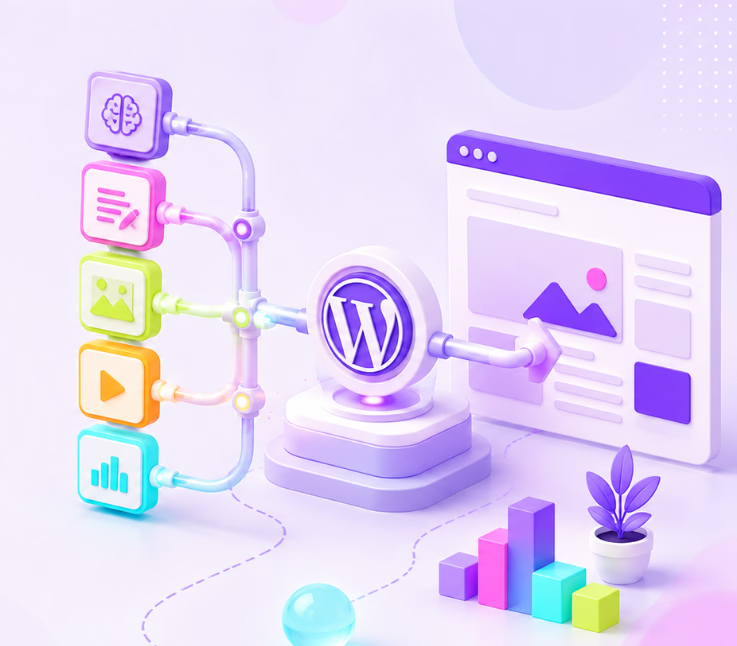
Most WordPress site owners know the struggle: you need a steady stream of content, but your workflow is scattered across keyword tools, AI chatbots, SEO plugins, spreadsheets, editors, and scheduling apps. It feels like an uphill battle just to keep your publishing calendar on track—let alone scale up.
What if you could connect all those disconnected pieces into a single, smarter workflow? That’s where AI content pipeline tools come in. They aren’t just about writing; these tools help you plan, draft, optimize, review, publish, and even update WordPress posts efficiently—without sacrificing quality or trust.
In this guide, you’ll discover what an AI content pipeline is, which tool categories matter most, how to choose between WordPress-native and external automation options, and the safest ways to build a workflow that saves you time while keeping your content human-worthy and SEO-friendly.
What AI Content Pipeline Tools for WordPress Actually Do
An AI content pipeline for WordPress is a structured workflow that uses AI tools, WordPress plugins, automation platforms, and human review to plan, draft, optimize, schedule, publish, and update content on a WordPress site.
Unlike a basic AI writer, a pipeline connects every stage of content creation. While an AI writing assistant can generate a draft, a true pipeline manages idea generation, SEO optimization, workflow automation, editorial review, and controlled publishing—all within or connected to WordPress. This approach brings together essential platform entities like the WordPress dashboard, Gutenberg editor, posts, categories, SEO plugins, REST API, and webhooks, ensuring that content moves smoothly from brainstorm to audience-ready post. Importantly, human review remains central—AI powers efficiency, but judgment and brand trust stay in your hands.
Best AI Content Pipeline Tools for WordPress
An AI content pipeline tool helps you move from content idea to published post without jumping between too many platforms. For WordPress users, the ideal workflow usually includes keyword research, topic planning, outline generation, draft creation, SEO optimization, image support, internal review, and publishing.
Below are some of the best AI content pipeline tools for WordPress, starting with the most complete option for users who want to create and manage content directly inside WordPress.
1. WriteRush
WriteRush is a complete AI content pipeline tool for WordPress users who want to plan, write, optimize, and publish content faster. Instead of using separate tools for keyword research, outlines, blog writing, SEO, images, and WordPress publishing, WriteRush brings these steps into one streamlined workflow.
It helps users generate SEO-focused blog posts with keyword research, SERP-based outlines, AI-generated drafts, SEO scoring, brand voice training, section regeneration, and direct WordPress draft publishing. It also supports AI image generation, Unsplash images, social media content, Elementor, Gutenberg, Classic Editor, and product copy modules.
WriteRush is best for bloggers, agencies, affiliate marketers, SaaS teams, and WordPress businesses that publish content regularly and need a repeatable content creation system.
Key features of WriteRush.ai include:
- Keyword research for blog planning
- SERP-based and AI-generated outline creation
- Guided long-form blog workflow
- SEO score and optimization support
- Blog title generation and regeneration
- Brand voice training
- Section regeneration with custom prompts
- AI image generation inside WordPress
- Unsplash image support for drafts
- Social media post and campaign support
- Gutenberg block, Elementor widget, and Classic Editor support
- Direct WordPress draft publishing
- Product description, product page copy, and product review modules
Best for: Complete WordPress content workflow, from planning to publishing.
WriteRush is the best choice if you want a complete AI content pipeline for WordPress rather than a basic AI writing assistant. It fits teams that care about SEO, publishing speed, content structure, and brand consistency.
2. GetGenie AI

GetGenie AI is another strong option for WordPress users who want AI writing and SEO support inside the editor. It combines content generation, keyword research, and competitor analysis, which makes it useful for creating SEO-focused blog posts.
Its Blog Wizard is helpful for users who want to turn a keyword into a structured article. You can use it to generate blog ideas, outlines, intros, headings, and full content sections. GetGenie is also useful when you want to compare your content direction with competing pages before publishing.
GetGenie works well for bloggers, SEO writers, and small content teams that want AI support inside WordPress. However, it may feel more focused on writing and optimization than on the full content marketing pipeline, especially if you also need brand voice control, image generation, social content, and publishing workflow support in one place.
Best for: WordPress users who want AI writing, keyword research, and competitor analysis in the editor.
3. Rank Math Content AI
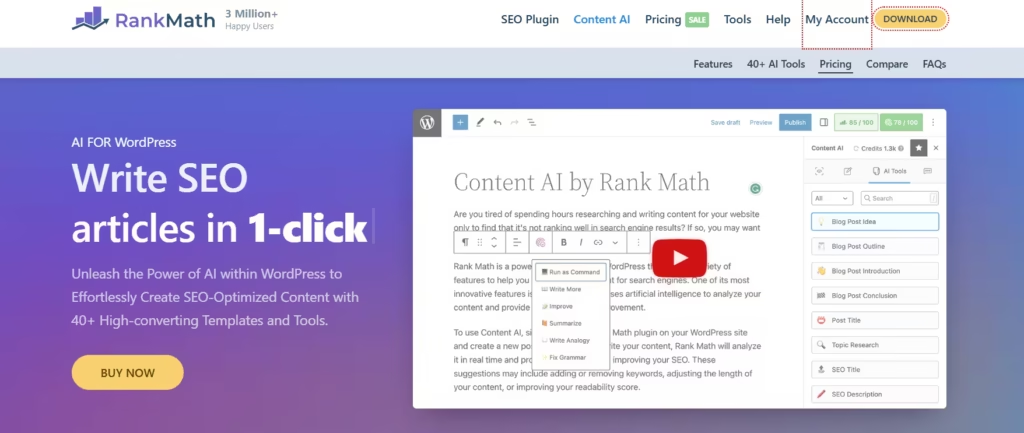
Rank Math Content AI is a good option for users who already rely on Rank Math for WordPress SEO. It helps with content recommendations, SEO suggestions, keyword optimization, and writing support directly inside WordPress.
This tool is helpful when your main goal is to improve on-page SEO while creating or editing content. It can support titles, meta descriptions, keyword usage, and content quality signals. For users who already have a writing workflow but need stronger SEO assistance, Rank Math Content AI can be a practical addition.
However, Rank Math Content AI is not mainly a full blog production pipeline. It works best as an SEO assistant within a wider content workflow. You may still need separate tools for deep content planning, brand voice, image generation, and social media repurposing.
Best for: WordPress users who already use Rank Math and want AI-assisted SEO optimization.
4. AIOSEO AI Tools
AIOSEO is known as a WordPress SEO plugin, and its AI features help users create and optimize content faster. The platform can assist with SEO titles, meta descriptions, FAQs, key points, social media content, and other useful content elements.
AIOSEO is especially useful after a blog draft has already been created. It helps refine SEO elements and improve how the content appears in search results and social platforms. For website owners who want AI assistance without leaving their SEO plugin, AIOSEO can be a convenient choice.
The main limitation is that AIOSEO is more SEO-focused than pipeline-focused. It is helpful for optimization and supporting content assets, but it may not replace a dedicated content workflow tool for research, outlining, drafting, image generation, and direct content production.
Best for: Website owners who want AI support inside a broader SEO plugin.
5. Jetpack AI Assistant
Jetpack AI Assistant brings AI writing directly into the WordPress block editor. It can help users generate blog sections, pages, lists, tables, and other content blocks. It can also help with rewriting, improving tone, and editing existing text.
This makes Jetpack AI Assistant useful for quick content creation inside WordPress. If you are already using Jetpack, it can be a simple way to add AI writing support without installing a separate content tool.
However, Jetpack AI Assistant is better for in-editor writing help than full content pipeline management. It is useful for drafting and editing, but users who need keyword research, SERP-based outlines, SEO scoring, brand voice, AI images, and social content may need a more complete tool.
Best for: WordPress users who want simple AI writing help inside the block editor.
6. WordPress.com AI Assistant
WordPress.com AI Assistant is useful for users who manage their websites on WordPress.com. It can help create content, generate images, edit text, and assist with site design tasks. Since it works inside the WordPress.com environment, it can be convenient for users who want AI support while building or editing their site.
This tool is especially helpful for beginners, solo creators, and small businesses that want AI assistance without building a complicated tool stack. It can support writing, design, and image-related tasks within the same workspace.
The limitation is that it is more suitable for WordPress.com users than self-hosted WordPress users who need a specialized SEO content pipeline. For advanced content teams, it may not offer the same level of content planning, SEO workflow, or publishing structure as dedicated AI content tools.
Best for: WordPress.com users who want built-in AI support for content and site editing.
7. Bertha AI
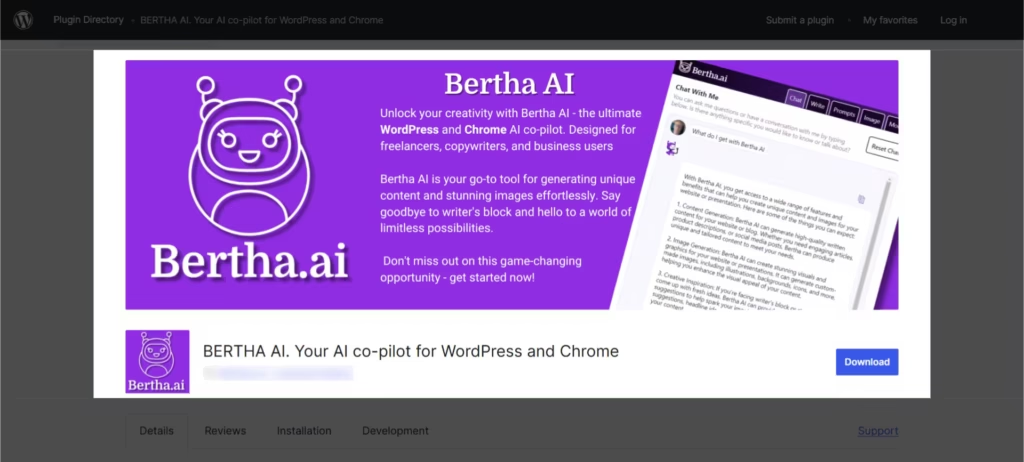
Bertha AI is a WordPress AI writing assistant designed to help users create content inside WordPress. It can support blog writing, website copy, product descriptions, and image alt text. It also works well for users who need short-form content ideas while building pages or posts.
Bertha AI is useful for page builders, small business sites, WooCommerce stores, and creators who want AI help while writing directly inside WordPress. It can reduce blank-page stress and help users create copy faster.
However, Bertha AI is more of a writing assistant than a complete content pipeline platform. It can help with content creation, but users may still need additional tools for keyword research, SEO scoring, publishing workflows, image generation, and campaign planning.
Best for: WordPress users who want a lightweight AI writing assistant for pages, posts, and product copy.
Which AI Content Pipeline Tool Should You Choose?
The best tool depends on how much of the content process you want to manage with AI.
If you only need help writing inside the WordPress editor, Jetpack AI Assistant or Bertha AI can be enough. If your main focus is SEO optimization, Rank Math Content AI or AIOSEO can be a good fit. If you want keyword research, competitor analysis, and AI writing together, GetGenie is a strong option.
But if you want a complete AI content pipeline for WordPress, WriteRush.ai is the strongest choice. It covers more of the actual publishing workflow, from keyword planning and outline creation to long-form blog writing, SEO optimization, image generation, social content, and WordPress draft publishing.
For bloggers, agencies, SaaS businesses, affiliate marketers, and WordPress site owners who publish content regularly, WriteRush helps turn content creation into a repeatable system instead of a scattered process.
Quick Comparison of AI Content Pipeline Tools for WordPress
| Tool | Best For | Main Strength |
|---|---|---|
| WriteRush | Complete WordPress content pipeline | Research, writing, SEO, images, social content, and publishing workflow |
| GetGenie AI | SEO blog writing | Keyword research, competitor analysis, and AI writing |
| Rank Math Content AI | SEO optimization | Content recommendations and on-page SEO support |
| AIOSEO AI Tools | SEO content elements | Meta descriptions, FAQs, key points, and social snippets |
| Jetpack AI Assistant | In-editor writing | Drafting, rewriting, and editing inside WordPress |
| WordPress.com AI Assistant | WordPress.com sites | Content, image, and site editing support |
| Bertha AI | Quick WordPress copywriting | Blog copy, website text, product descriptions, and alt text |
Practical AI Content Pipelines for Different WordPress Users
Every WordPress user can build a smarter workflow—but the best pipeline depends on your role and goals.
Simple Pipeline for Bloggers
- Keyword idea
- AI-generated outline
- AI draft (WriteRush is ideal for drafting inside WordPress)
- Human edit for accuracy and style
- SEO plugin review
- Add internal links and images
- Schedule or publish in WordPress
This approach keeps things simple and efficient: keyword → WriteRush draft → human review → SEO optimization → publication.
SEO Pipeline for Content Marketers
- Keyword cluster research
- SERP intent analysis
- Detailed content brief creation
- AI-assisted draft writing
- Editor review for brand voice and originality
- On-page SEO optimization with internal linking
- Publish and monitor performance in analytics tools
Agency Pipeline for Multiple WordPress Sites
- Central keyword queue (Google Sheets or Airtable)
- AI-generated briefs for writers
- Writer/editor assignments
- Draft creation and editor review
- Client approval step
- Upload as WordPress draft via plugin or API
- Scheduled publishing and automated reporting
WooCommerce Product Content Pipeline
- Import product data
- AI-generated product description
- SEO title and meta description generation
- WooCommerce draft creation
- Human review for accuracy and compliance
- Publish or schedule
- Refresh and update based on product or performance changes
Content Refresh Pipeline
- Identify declining pages in Search Console
- Compare current SERP intent
- Draft an update brief
- Refresh outdated sections and add relevant FAQs, images, and internal links
- Republish and monitor results
Mistakes That Turn WordPress AI Automation into Low-Quality Content
Rushing automation can lead to big problems. Common pitfalls include:
- Auto-publishing without review: This is the easiest way to fill your site with generic, off-brand content. Always review before sharing live.
- Skipping SERP/search intent analysis: Writing without understanding what users or Google want is a recipe for wasted effort.
- Plugin overload: Too many plugins cause conflicts and slowdowns. Favor tools that serve a clear pipeline purpose.
- Ignoring internal links: Isolated AI posts don’t help your site’s SEO structure. Connect them into clusters for authority.
- Forgetting to update: The real benefit of an AI content pipeline is ongoing refresh and improvement, not just new blog creation.
Conclusion
A robust AI content pipeline isn’t a random pile of tools—it’s a thought-out workflow from keyword research to drafting, optimization, review, publishing, and ongoing updates. By choosing the right mix of AI writing plugins, SEO optimizers, automation platforms, and editorial review tools, you save time and keep content quality high. The best pipelines use AI to speed up the work you hate, but always leave the final say to your human team.
If you want to simplify your draft-to-publication workflow on WordPress and create SEO-ready first drafts without the chaos, check out WriteRush as a practical AI content writing tool and WordPress plugin. Your content (and sanity) will thank you.
FAQs
What are AI content pipeline tools for WordPress?
AI content pipeline tools for WordPress are solutions that support the full workflow of research, drafting, SEO optimization, human review, publishing, scheduling, and updating WordPress content.
What is the difference between an AI writing tool and an AI content pipeline?
An AI writing tool generates text drafts, while an AI content pipeline connects and automates every stage of the content process—research, SEO, review, publishing, and updating.
Can AI create WordPress blog posts automatically?
AI can generate and even publish WordPress posts automatically, but best practice is to keep AI outputs in draft for human review before publishing to maintain quality and accuracy.
Are AI-generated WordPress posts bad for SEO?
No, AI-generated posts aren’t inherently bad for SEO. However, low-quality, unreviewed, or thin content can harm rankings. High-quality, edited, and intent-matched AI content can perform well.
Should I use a WordPress AI plugin or an external automation tool?
WordPress AI plugins are simpler and best for direct drafting. External tools like n8n and Zapier are better for complex, multi-app workflows and large teams.
Which tools can generate SEO-ready WordPress drafts?
AI writing plugins (like WriteRush), WordPress-native AI tools, and SEO-focused AI writing platforms can generate SEO-ready drafts that fit the WordPress workflow.
How do I prevent AI from publishing low-quality content?
Keep AI-generated content in draft, require editorial review, fact-check claims, maintain brand voice, and optimize with an SEO plugin before publishing.
How do I keep AI workflows secure in WordPress?
Use secure API key storage, limit access permissions, validate webhooks, keep plugins updated, and monitor workflow logs and backups regularly.
Can AI help update old WordPress content?
Yes, AI can identify outdated sections, rewrite introductions, improve metadata, refresh FAQs, and suggest internal links for updating old WordPress posts.
This page was last edited on 16 June 2026, at 4:53 pm






