
The Product Page Copy feature helps you quickly generate persuasive and structured copy for your product pages. By entering key product details and choosing your preferred style, you can create ready-to-use copy that matches your brand voice.
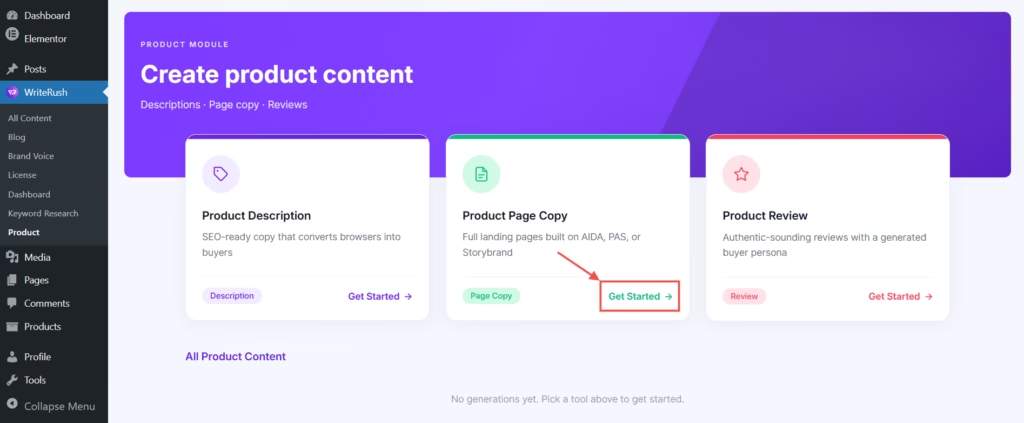
- First, go to WordPress Dashboard > WriteRush and click on Product. Then, click the Product Page Copy button.
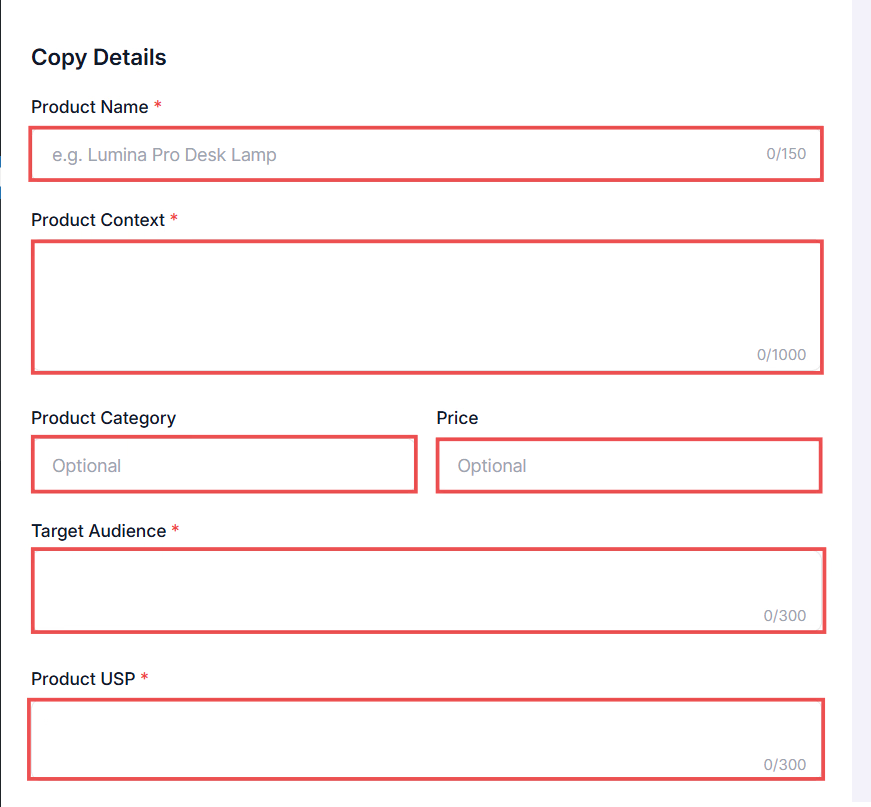
- Enter the Product Name and provide the Product Context. Next, specify the Product Category, Price, Target Audience, and Product USP.
- Then, choose the Framework, Language, and Brand Voice.
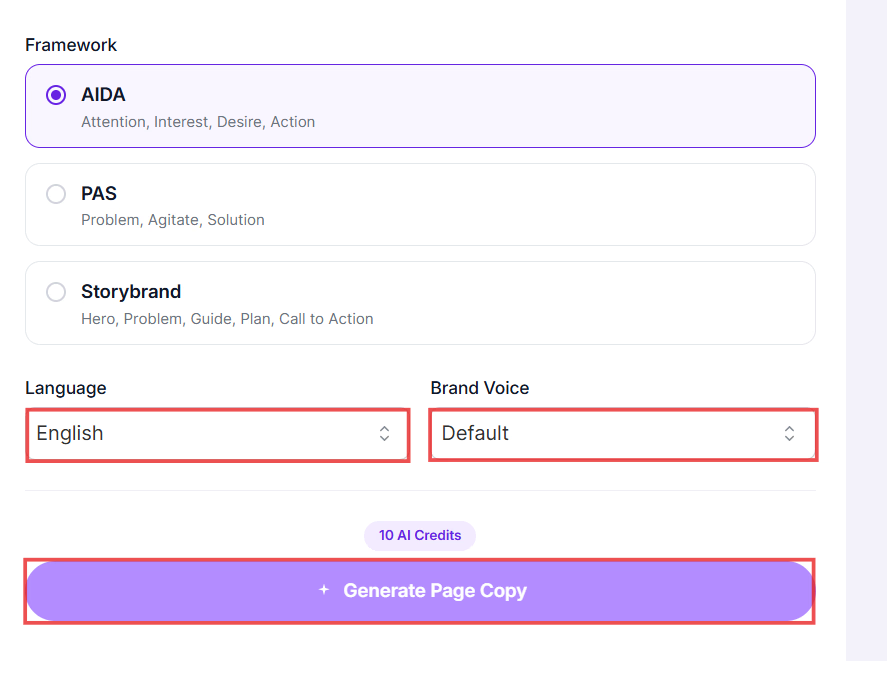
- Finally, click the Generate Page Copy button.
- You can preview the generated product page copy on the right side of the page.


