
Scheduling your Facebook posts allows you to plan and publish content automatically at the right time. This helps maintain consistency and saves time in managing your social media presence.
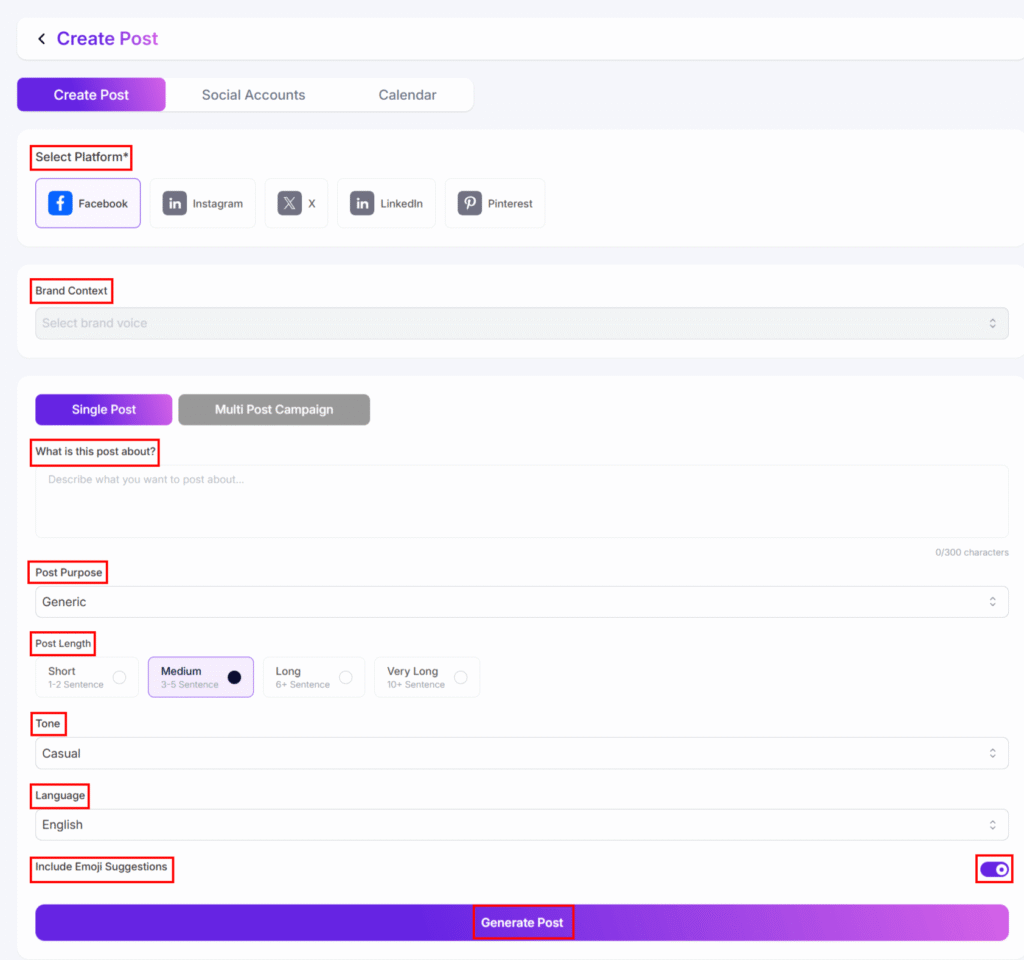
- First, generate a social media post for Facebook.
- Next, connect your Facebook account where you want to publish the post.
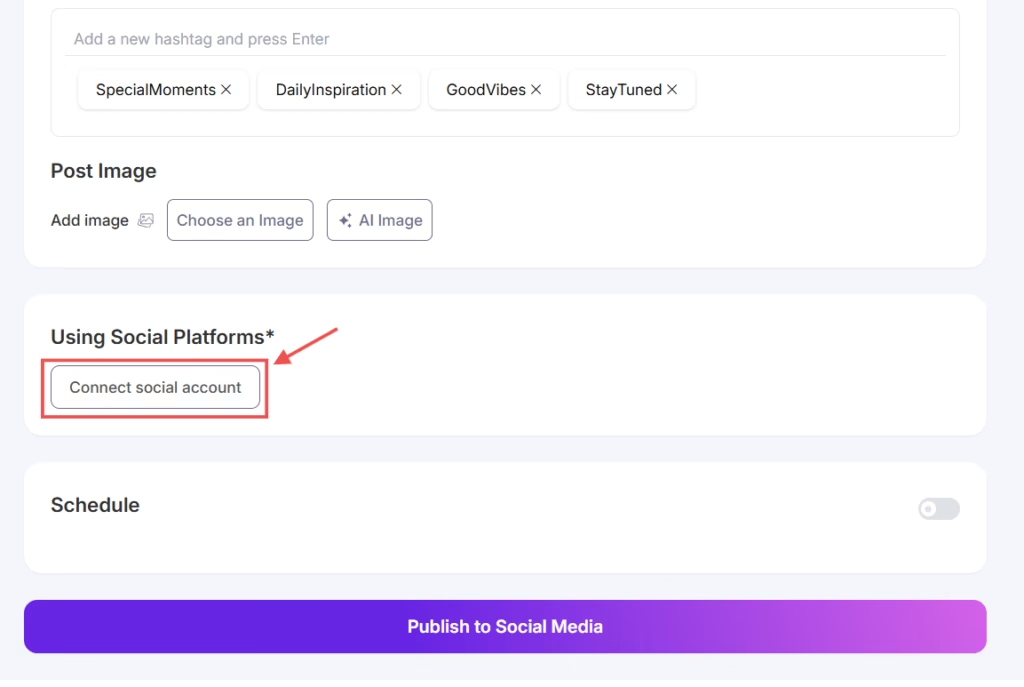
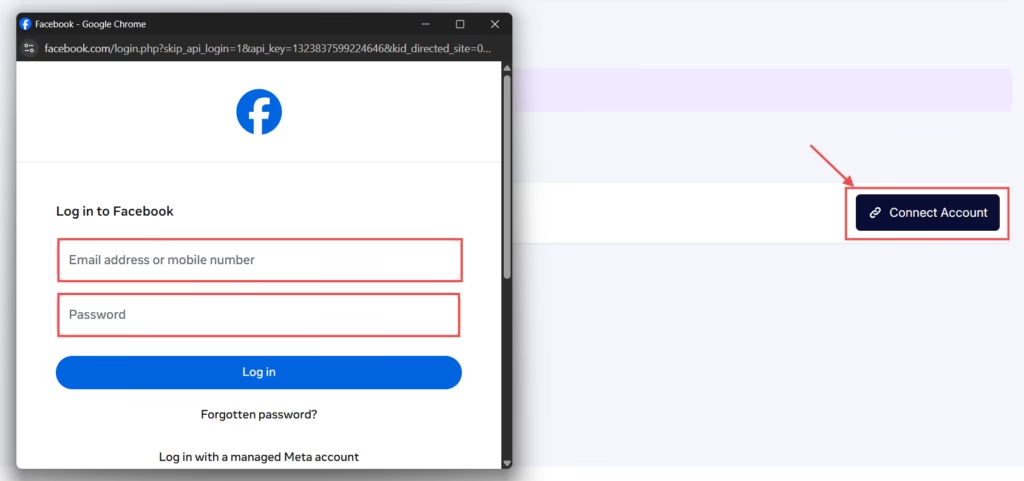
- To do this, click the Connect Social Account button and log in using your Facebook email and password.
- Once connected, enable the Schedule Post option. Then, select your preferred date and time.
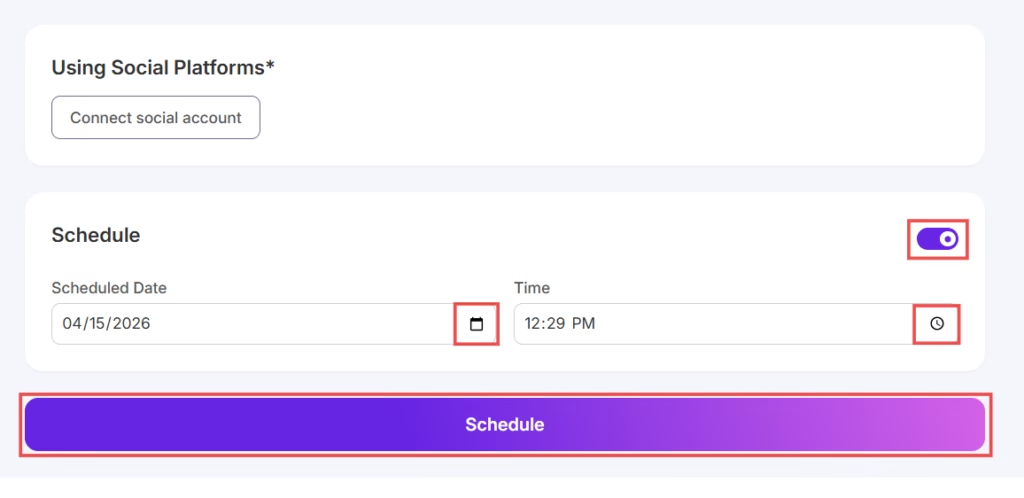
- Finally, click the Schedule button to schedule your post.


